AI Se Online Store Kaise Banayein: An English Guide for India
16 July 2026 · InstantStore AI team
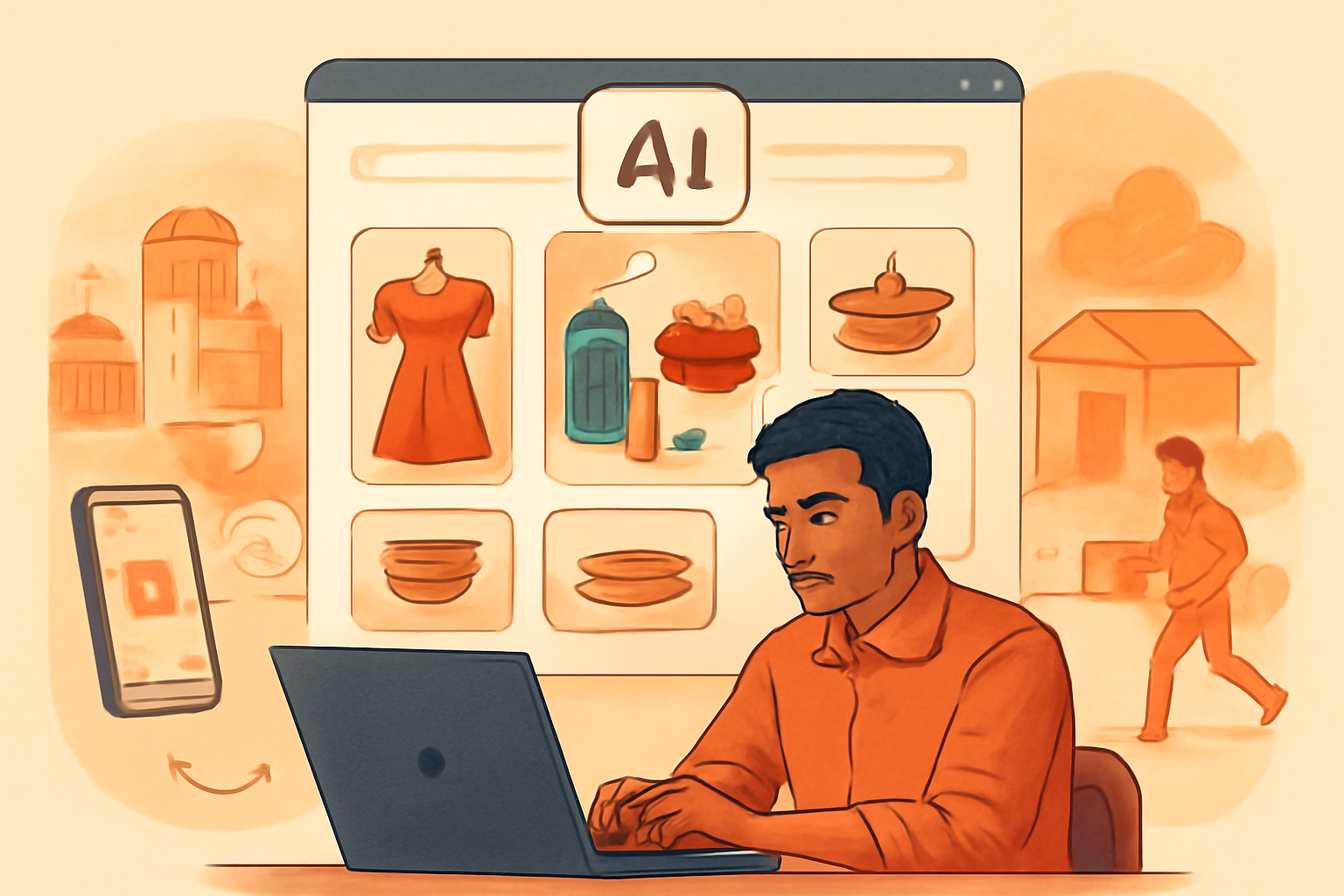
If you are searching for “AI se online store kaise banayein,” you are probably looking for a faster way to start selling online without learning web development. AI can help you create a storefront, write product descriptions, organise categories, generate marketing ideas, and set up a better shopping experience. However, a successful store still needs accurate business information, reliable fulfilment, and customer trust.
This guide explains how to build an AI-powered online store for an Indian D2C business, whether you sell clothing, beauty products, food, handicrafts, home items, or digital products.
1. Prepare the information AI needs
Before opening a store builder, collect the details that will shape your store:
- Brand name and logo
- Product names, prices, sizes, colours, and variants
- High-quality product photos
- Stock quantities and SKU codes
- Product materials, ingredients, or specifications
- Delivery locations and estimated dispatch times
- Return, refund, exchange, and cancellation rules
- Customer support phone number, email, and WhatsApp number
- Business address and social media profiles
AI can structure and improve this information, but it should not invent important details. For example, do not allow a tool to guess ingredients, product certifications, delivery promises, or return conditions. Verify every AI-generated product description before publishing it.
2. Choose your store model and customer
Decide whether you will sell directly to consumers, accept wholesale orders, or do both. Then define your primary customer. “Women aged 18–45” is a starting point, but a more useful profile might be “working professionals in Bengaluru and Mumbai looking for lightweight cotton workwear under ₹2,000.”
This helps AI suggest relevant categories, homepage copy, offers, and product recommendations. It also prevents your store from sounding generic.
3. Generate the first version of your store
Use an AI-first store builder to describe your business in plain language. Include what you sell, who you serve, your preferred visual style, price range, and key selling points. A useful prompt could be:
> Create a mobile-first online store for a Jaipur-based brand selling hand-block printed cotton clothing. Use a warm, premium visual style. Highlight breathable fabric, artisan production, sizes XS to XXL, UPI payments, and delivery across India.
The AI should help create the basic structure, such as the homepage, product catalogue, navigation, and essential store sections. Platforms such as InstantStore AI can be useful here because they are designed to turn a business description and product information into a ready-to-customise storefront.
Do not publish the first version immediately. Review the navigation, spelling, pricing, images, and mobile layout first.
4. Organise products for easy browsing
A small catalogue may need only a few clear categories, such as New Arrivals, Best Sellers, Sarees, Accessories, and Sale. Avoid creating too many categories with only one or two products in each.
Each product page should answer the buyer’s main questions:
- What is the product?
- Why is it useful or different?
- What are its dimensions, size, material, or ingredients?
- How should it be used or maintained?
- When will it be dispatched and delivered?
- Can it be returned or exchanged?
Use specific descriptions instead of vague phrases. “Handwoven cotton stole, 70 × 200 cm, suitable for mild winter layering” is more helpful than “premium and stylish stole.”

5. Add India-friendly payments and delivery
Offer payment options that Indian customers already trust. Depending on your payment provider and business setup, these may include UPI, cards, net banking, wallets, and cash on delivery. Display payment and delivery information clearly near the product price and checkout button.
For shipping, decide whether you will use a courier aggregator, a direct courier account, India Post, local delivery partners, or a combination. Set realistic delivery estimates by region. Consider separate rules for metro cities, other serviceable areas, and remote locations.
If you offer cash on delivery, reduce avoidable returns by confirming high-value orders through WhatsApp or phone. Make sure your checkout collects a complete address, PIN code, phone number, and any delivery instructions.
6. Build trust and meet basic requirements
Indian shoppers often look for trust signals before placing an order. Add an About page, contact details, clear policies, customer reviews, secure payment information, and real product images. Show your business or seller information wherever applicable.
Depending on your products, turnover, and selling model, you may need to consider GST registration, invoices, consumer protection obligations, packaged commodity declarations, FSSAI requirements for food, or other industry-specific rules. Requirements can change, so consult a qualified professional or official government sources before launch.
Never use fake reviews, misleading discounts, copied images, or unverified claims such as “chemical-free” or “guaranteed results.” AI-generated content must follow the same standards as human-written content.
7. Improve SEO before launch
Give every important page a descriptive title and meta description. Use search terms naturally, such as “cotton kurtis online in India” or “handmade soy candles delivered across India.” Add descriptive image alt text, useful headings, internal links, and readable URLs.
Create helpful content around customer questions: sizing guides, care instructions, gift guides, comparison articles, and delivery information. SEO works better when pages genuinely help people rather than repeating a keyword.
8. Test the complete buying journey
Place a test order on your phone and desktop. Check whether:
1. Product images load correctly. 2. Variants and stock levels work. 3. Coupons apply as intended. 4. Payment succeeds and the order is recorded. 5. Customers receive confirmation messages. 6. Shipping charges and taxes are displayed correctly. 7. The store works on a slow mobile connection. 8. Contact, refund, and cancellation links are easy to find.
Ask someone unfamiliar with your business to find a product and complete checkout. Their questions will reveal confusing copy and missing information.
Final checklist for launching your AI store
Start with a focused catalogue, accurate product data, transparent policies, and one clearly defined customer segment. Use AI to speed up design, writing, organisation, and marketing—but keep human control over claims, prices, fulfilment, and customer service.
Once the store is live, track visits, product views, add-to-cart rates, checkout abandonment, orders, returns, and customer questions. Improve one part of the experience at a time. That is the practical answer to “AI se online store kaise banayein”: use AI to launch faster, then use real customer feedback to build better.